
CLI
kumoba runs sandboxes from your shell, for people and for agents. It builds its commands from the daemon it talks to (GET /v1/commands), so its help always matches that daemon, and most new daemon commands work without a CLI upgrade. Interactive commands such as shell need a CLI that knows the terminal output kind, from 0.3 on.
Two builds behave the same:
| Build | Install |
|---|---|
| Native, no runtime needed | scripts/install.sh puts it in ~/.kumoba/bin; also cargo install kumobad |
| Node.js 20 or later | npm install -g kumoba, or npx kumoba <command> |
Connecting
With no settings it uses the zero-config daemon in ~/.kumoba: the socket kumobad.sock and the token token. Override with:
| Variable | Default |
|---|---|
KUMOBA_URL | unix://$KUMOBA_HOME/kumobad.sock; http://127.0.0.1:7788 also works |
KUMOBA_TOKEN or KUMOBA_TOKEN_FILE | $KUMOBA_HOME/token |
KUMOBA_HOME | ~/.kumoba |
Finding commands
kumoba                       # every command, with a one-line summary
kumoba exec --help           # one command: usage, arguments, types, defaults
kumoba help exec             # the same
kumoba commands --json       # every command with its full JSON Schema, for agents
kumoba version               # this CLI and the daemon
The commands a 0.2 daemon serves:
| Command | What it does |
|---|---|
run | Run one command in a fresh sandbox, stream its output, delete the sandbox |
create, start, stop, delete | Sandbox lifecycle; create leaves it stopped |
list, get, update | Find sandboxes by label, show one, change labels, timers or network |
exec | Run a command in a started sandbox and stream its output |
read-file, write-file, list-files | Guest files |
expose | A signed, expiring link to a port inside the sandbox |
desktop | Start the desktop and link to a live view in the browser |
set-secrets, delete-secrets | Secrets that never enter the guest |
images, access-log | Bootable images, and every proxied network connection |
Arguments
Every command reads its arguments the same way, checked against its schema:
kumoba exec <id> --timeout-ms 5000 -- python3 -c 'print(1)'   # positional, flag, trailing list
kumoba exec <id> timeoutMs=5000 -- python3 -c 'print(1)'      # key=value works too
kumoba create --image default --memory-mib 2048 --network.mode allowlist --network.hosts pypi.org,files.pythonhosted.org
kumoba create --args '{"image":"default","labels":{"team":"qa"}}'- Positional values fill the command's path arguments in order, such as the sandbox id.
--kebab-case value,--kebab-case=valueandcamelCase=valueset any argument. A boolean flag needs no value.- Everything after
--is the command's trailing list: the program and arguments forrunandexec. A program without a/is looked up on the guest'sPATH. - Types come from the schema: integers and booleans are checked, enums list their choices,
nullclears a nullable value. - Lists take
a,b, a repeated flag, or a JSON array. - Maps such as
envandlabelstake repeatedkey=value:--env A=1 --env B=2. - Nested objects take dotted names (
--network.mode) or JSON. @filereads a value from a file and@-from stdin, so secrets stay out of shell history:env=TOKEN=@token.txt. Start a value with@@for a literal@.--args '{...}'passes all arguments as one JSON object.
Output
| Kind | Commands | What you get |
|---|---|---|
| JSON | most | Pretty JSON on a terminal, one line of JSON when piped or with --json. -q prints only the ids, one per line |
| Stream | run, exec | The guest's stdout and stderr on yours, as they arrive |
| Bytes | read-file | The file on stdout, or into -o FILE |
write-file reads the file content from content=@path, or from stdin when it is piped.
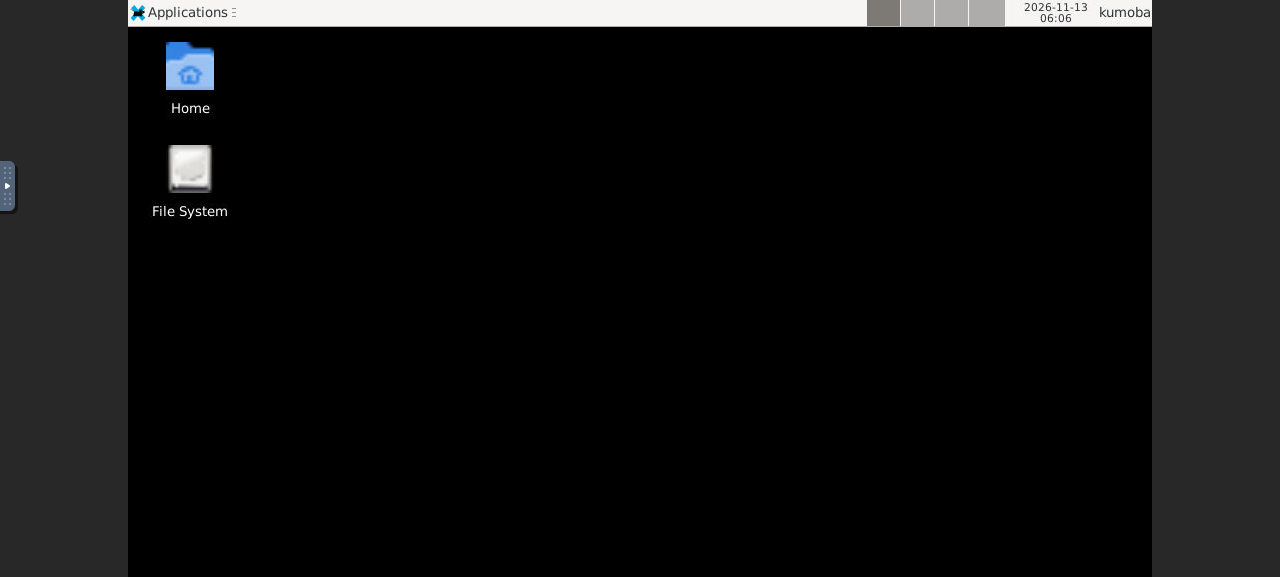
--open opens a returned url in your browser. That is how kumoba desktop <id> --open shows the desktop live and kumoba expose <id> --port 3000 --ttl-seconds 600 --open opens a web app running in the sandbox. Those links point at the daemon's preview listener, which the zero-config daemon starts on 127.0.0.1:7789, apart from its API. A daemon configured by hand needs KUMOBAD_PREVIEW_LISTEN, and behind a reverse proxy KUMOBAD_PREVIEW_URL.
Exit status
| Status | Meaning |
|---|---|
| The guest's own | run and exec exit with the command's exit code; 124 when it timed out |
| 0 | Success |
| 1 | The daemon rejected the request: unknown sandbox, bad state, invalid value |
| 2 | Usage error: unknown command or option, missing argument, wrong type |
| 3 | The daemon cannot be reached, has no token yet, or is too old to describe its commands |
Errors go to stderr as one line starting with kumoba:.
For agents
An agent with a shell needs nothing beyond the CLI:
kumoba commands --json | jq '.commands[] | {name, summary}'
id=$(kumoba create --image default --labels task=fix-tests -q)
kumoba start "$id" -q
kumoba exec "$id" --cwd /workspace -- pytest -q; echo "exit $?"
kumoba list --label task:fix-tests --json
Each command's inputSchema in kumoba commands --json is a JSON Schema, so it can be handed to a model as a tool definition as is.
Examples
kumoba run --image default --network.mode blocked -- python3 -c 'print(sum(range(10)))'
kumoba run --timeout-ms 2000 -- sleep 5; echo $?          # 124

id=$(kumoba create --image default -q); kumoba start "$id" -q
kumoba write-file "$id" --path /workspace/data.csv content=@./data.csv
kumoba exec "$id" --cwd /workspace -- python3 -c 'import csv; print(sum(1 for _ in open("data.csv")))'
kumoba read-file "$id" --path /workspace/out.png -o out.png
kumoba set-secrets "$id" secrets=@./secrets.json
kumoba access-log --json | jq '.entries[] | select(.decision == "denied")'
kumoba stop "$id" && kumoba delete "$id"